OpusClip vs Submagic: Which AI Short-Form Tool Should You Use? (Tested)
· Pod Tested Lab
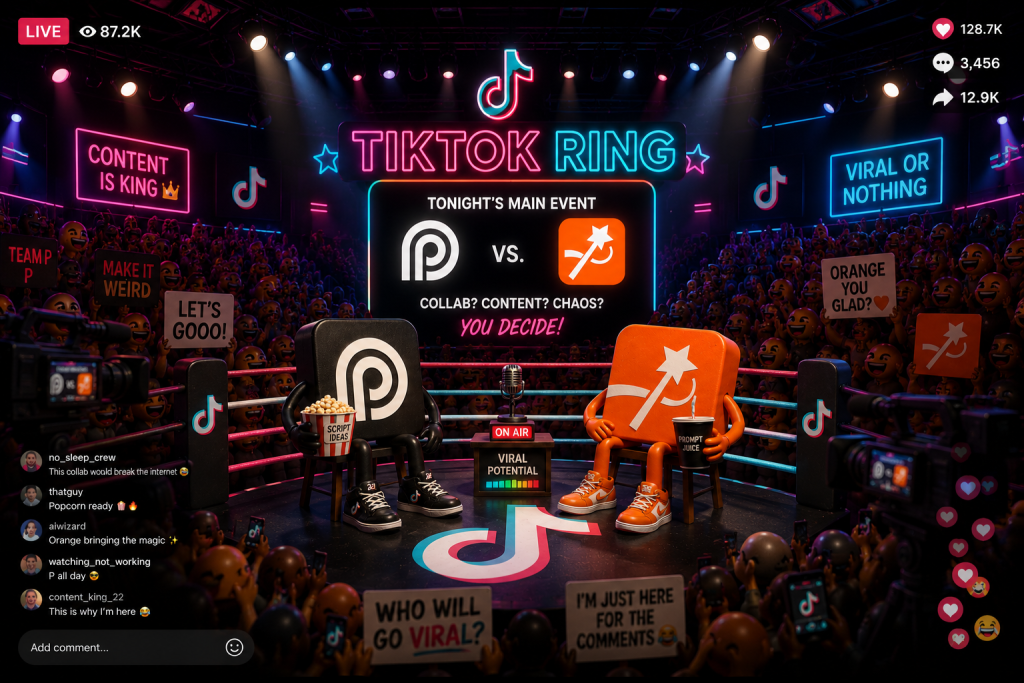
OpusClip and Submagic get lumped together — “those AI short-form tools.” We ran both. They’re not the same tool, and picking the wrong one wastes your money.
The one-line version: OpusClip finds and ranks the clips inside your long video. Submagic captions and polishes the clips you already have. Different jobs — and plenty of creators quietly run both.
The quick pick
| If you want… | Pick |
|---|---|
| Turn a long podcast/video into many ranked short clips | OpusClip |
| Caption & style clips you already cut, fast | Submagic |
| Predict which clips will pop before you post | OpusClip (Virality Score) |
| The best-looking animated captions & effects | Submagic |
| A fun, gimmicky AI-animated story short | OpusClip (Agent) |
Head to head
| OpusClip | Submagic | |
|---|---|---|
| Core job | Find + rank clips in long video | Caption + polish existing clips |
| Signature | Virality Score | Best-in-class captions |
| Long-form → shorts | Yes (ClipAnything, multimodal) | Yes (Magic Clips, +$12/mo) |
| Fun extra | Agent: AI-animated story videos | Magic B-roll, remove silences |
| Pricing | Free / $15 / $29 | Free / ~$20 / $23 (+$12) |
| Verdict | Useful, With Caveats | Useful, With Caveats |
OpusClip — the clip finder
OpusClip’s superpower is taking a long video (a podcast, webinar, interview) and using AI to surface the best moments, then scoring each with a Virality Score that predicts how it’ll perform — genuinely useful for deciding what’s worth posting. And it’s not marketing fluff: OpusClip trained that model on real audience feedback — the views, comments, and shares from millions of clips creators actually posted — so the score reflects what performs, not what the AI guesses. Its newest model, ClipAnything, clips any kind of video (even low-dialogue) using visual, audio, and sentiment cues.
We also test-drove its Agent feature — a script-to-video tool that spits out a fully AI-animated story short (cartoon characters, captions, narration). Honest take: it’s a fun gimmick — entertaining, fine for a quick TikTok, not a serious production tool.
Pricing: Free, $15 Starter, $29 Pro. Credits are charged per minute of source video — a 60-minute podcast costs 60 credits whether it yields 5 clips or 15.
Submagic — the caption polisher
Submagic is best in class for animated captions — word-level highlights, emoji triggers, keyword sound effects, and deep typography control, with creator-style presets (Hormozi, MrBeast, and more). It also does one-click silence removal, text-based editing, and b-roll, and its Magic Clips add-on turns long-form into shorts. (Full breakdown in our Submagic review.)
Pricing: Free (watermarked), ~$20 Starter, $23 Pro, plus +$12/mo for Magic Clips.
The honest verdict on both
Here’s the thing to internalize: both are entertainment-first, TikTok-for-fun tools — not serious, professional editors. They’re fast, they’re fun, and they get a casual short posted in minutes. Neither earns a hardcore approval; both land at Useful, With Caveats.
The move most operators actually make
You don’t have to choose. The common workflow: OpusClip finds and exports the clips from your long video, then Submagic captions and polishes the hero ones you’re actually posting. Opus for the sourcing, Submagic for the finish.
The verdict
Sit on long-form — podcasts, streams, interviews — and need many ranked clips fast? OpusClip, for the Virality Score alone. Clips already cut and you want them captioned and posting-ready without a second app? Submagic. Serious about volume? Run both. Just know what you’re buying: two fun, fast, TikTok-first tools — not professional editors.
Hands-on where we could: Submagic’s captioning and editing on our own produced video, and OpusClip’s Agent AI-video creation firsthand. OpusClip’s core clip-finding and Virality Score were evaluated from published examples, the platform’s capabilities, and current 2026 pricing — not a full clip job on our end. Both verdicts reflect a casual, TikTok-first use case.